

Motion Design vs Motion Graphics: What’s the Difference?
Motion graphics animates graphic elements; motion design emphasizes design and narrative choices. Learn the difference and what to consider in a project.
What’s the difference between motion design and motion graphics?
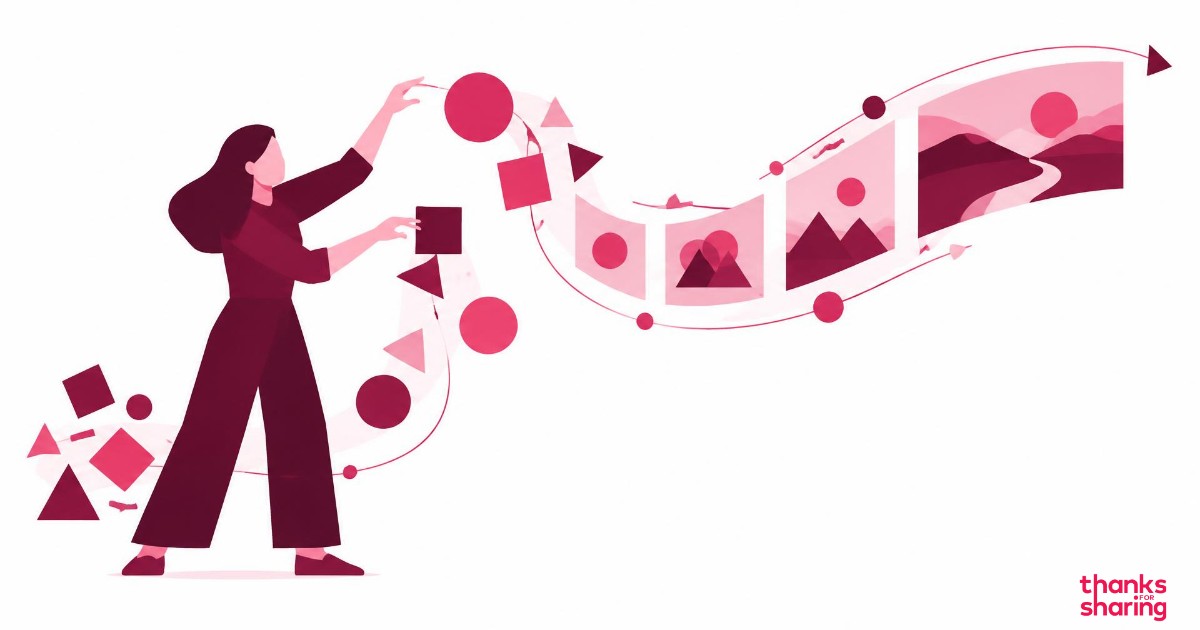
Motion graphics is the animation of graphic design elements, such as text, shapes, icons, and charts. Motion design usually refers to a broader approach: designing how movement, composition, pacing, and sound communicate an idea. In practice, the terms overlap, and many teams use both to describe the same work.
The distinction is useful when discussing a project, but it is not a universal classification. Motion graphics can also involve art direction and storytelling; motion design can also be a simple animation. The name alone does not determine quality, depth, or price.
What is motion graphics?
The term literally means “graphics in motion.” Its building blocks come from graphic design: typography, shapes, colors, images, and information layout. Animation adds time, changing how these elements appear, relate to one another, and guide attention.
A title appearing on screen, a chart revealing results, and an animated logo are all examples. These pieces can stand alone or form part of a larger video. They do not need characters or a story with a beginning, middle, and end to communicate a message.
To explore its applications, read what motion graphics is and how it can be used, an article previously published on Insights.
What is motion design?
Motion design means thinking about design over time. Beyond deciding what appears on screen, the team defines why it appears at that moment, how it moves, and how it connects to the message.
This approach brings together communication goals, scripting, visual direction, animation, and sound. Movement is not added simply to make a composition more eye-catching: it can guide the viewer, show a transformation, connect information, or create a meaningful pause.
This does not mean every motion design piece needs to tell a complex story. A short transition can be well designed when it helps the audience understand the connection between two pieces of information.
Motion design vs motion graphics: a practical comparison
- Focus: motion graphics refers to animated graphic elements; motion design emphasizes the design and communication decisions that guide their movement.
- Building blocks: text, shapes, icons, images, and charts can feature in both approaches.
- Narrative: both can tell stories. Storytelling is not exclusive to either term.
- Deliverables: short branded sequences, explainer videos, campaign assets, and presentations may be described by either name, depending on the team.
- Commissioning work: compare the scope—planning, scripting, art direction, animation, sound, and versions—not just the service name.
A simple way to remember it: motion graphics describes what moves; motion design helps frame the choices that give that movement meaning. It is a working perspective, not a rigid boundary.
An example: introducing a new service
Imagine a company that needs to explain a service. The team might animate three icons, bring titles onto the screen, and display a list of benefits. Those elements are motion graphics.
By organizing a sequence—the audience’s problem, how the service works, and the next step—choosing the pace of the presentation, and deciding what to emphasize, the team is also making motion design decisions.
This is an illustrative example, not a client case study. It shows why there is no need to choose one term and rule out the other: the same piece can combine animated graphics, design, and narrative.
How the Thanks approach connects design and storytelling
At Thanks for Sharing, the production process presented on the homepage is organized into four stages. They make discussions about movement part of a creative process, rather than just a standalone production task.
- Planning & Strategy: briefing, scheduling, and setting direction before production begins.
- Script & Storytelling: a script that turns objectives into a clear visual narrative.
- Creative Direction: visual direction approved before animation.
- Video Outcome: animation, sound design, revisions, and finishing through to delivery.
This sequence helps align the message and visual language before scenes are animated. Explore the Thanks portfolio to assess the visual approach that makes sense for your project.
How to request a quote without relying on the technique’s name
Instead of simply asking “Do you do motion graphics or motion design?”, describe the communication challenge. A useful brief answers these questions:
- Who needs to understand the message, and what should they do after watching?
- What is the key information, and what can be left out?
- Is there already a script, a visual identity, or approved material?
- Where will the piece be shown, and which formats are needed?
- How many versions will be produced, and what changes between them?
- Who approves each stage, and what is the delivery deadline?
A short branded sequence using existing assets and a video that needs scripting and visual direction have different scopes, even if they share the same label. There is no rule that motion graphics is always cheaper or motion design is always more complex.
If the challenge is to produce many versions of the same video with different information, explore video automation at Thanks. Choosing the creative template still matters, even when version production is automated.
What to assess in the result
The number of effects is not the best measure. Check whether the message is clear, the hierarchy highlights what matters, the pace allows viewers to follow the information, and the visual language respects the brand’s identity.
Design and storytelling are not finishing touches added later. They are decisions that can guide a piece from the initial brief. Movement should help the audience understand, not compete for attention with what needs to be said.
To discuss a production, get in touch with Thanks and share your goal, available materials, and required deliverables.
What message does your next video need to communicate?
Talk to Thanks →